Filmmaking
 Website guide
 Edit by Voice
 Faceless guide
 Animate
One sentence to start.
Open the kit folder in Claude Code and say “Set me up with this kit.” Follow the guide while Claude installs and checks the tools.

THE CLAUDE VIDEO EDITING KIT V2.1
After Prompt / Edit by VoiceYou have the video.
Tell Claude how to edit it.
Give Claude your footage, a reference and your brand. Create a finished reel with captions, motion graphics and sound, without opening an editing app.
LAUNCH OFFER $29 launch price $49 after December 31
One-time payment. The complete downloadable kit.
Windows or Mac · Claude Pro or higher required separately.
“Make the title bigger.
Keep everything else the same.”
WATCH THE FINISHED REEL
Watch the 32-second demo with sound to see the captions, motion graphics and sound working together.
An actual example made with the kit. You bring your own footage, brand and direction.
LESS TIMELINE. MORE SAY.
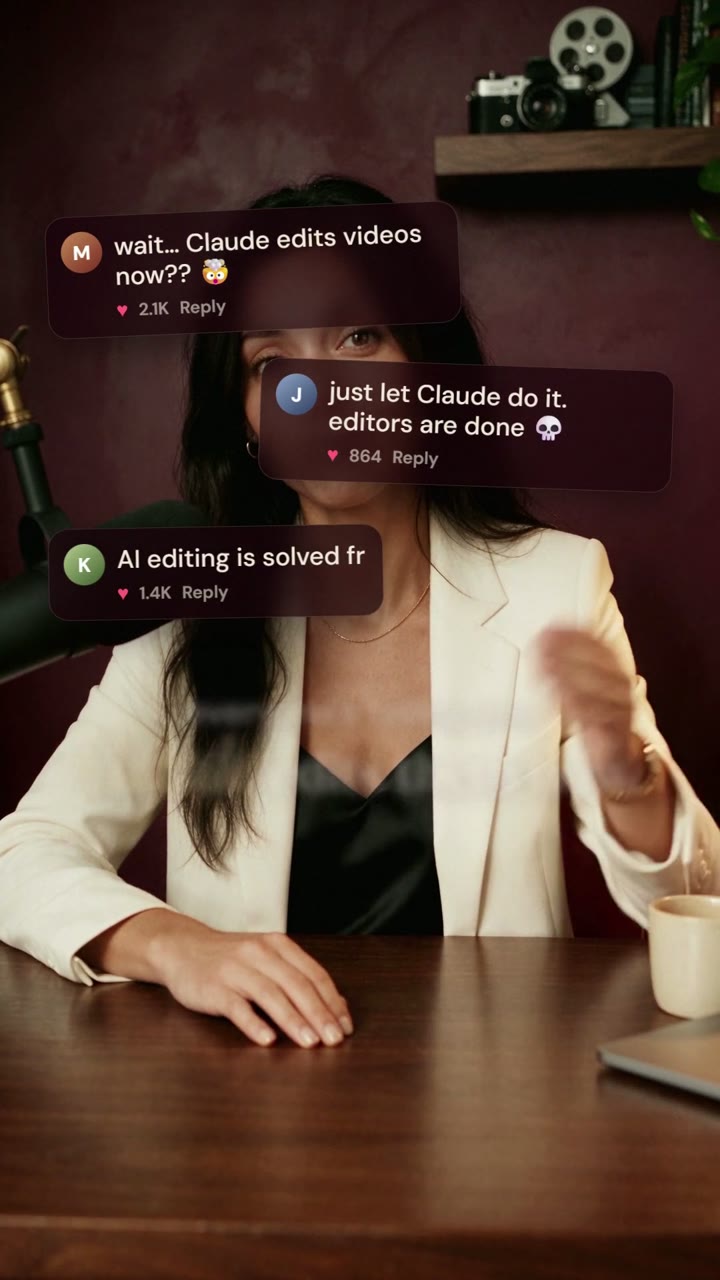
Captions, visual moments and a look that feels like you. These frames come from the demo reel above.
EXAMPLE FRAME / 01EXPLORE THE DETAILS
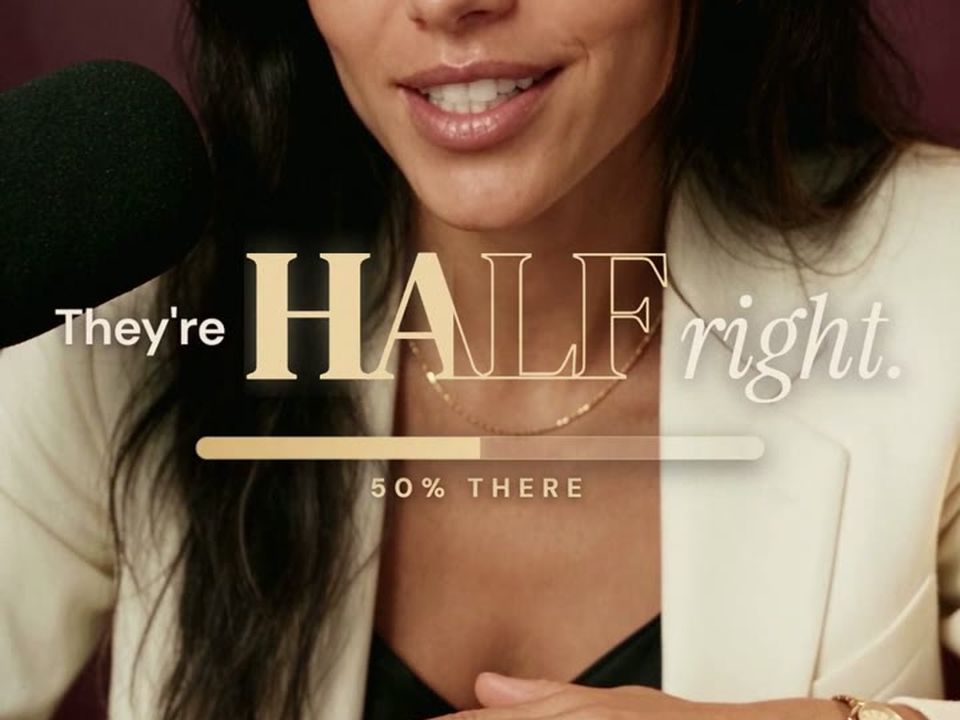
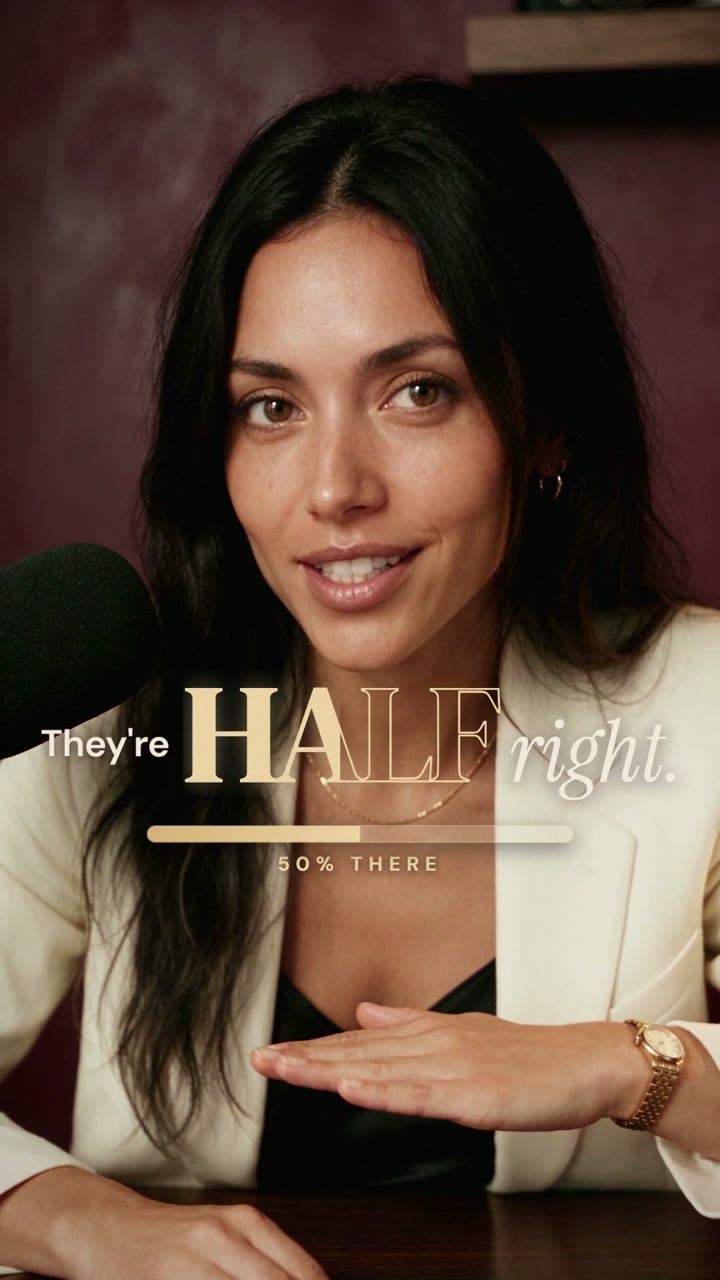
Give your key line a big moment. The headline builds word by word while a bar fills as you speak.
Frames from the demo reel above. Use your own recorded footage or an AI presenter.
A WORKFLOW YOU CAN REPEAT
You choose the message and approve the result. The kit gives Claude the editing instructions and tools.
Open the kit folder in Claude Code and say “Set me up with this kit.” Follow the guide while Claude installs and checks the tools.
Add your footage, references, colors and fonts. Describe what to cut, what to highlight and how the ending should feel.
Review the preview frames, ask for changes in plain language, then render a finished MP4 on your computer.
YES, YOU CAN SAY IT IN THE VIDEO.
“Title.” “Bigger.” “Zoom in.” Make the edits happen on your cue.
OPEN IT. MAKE IT YOURS.
A clear guide and the actual editing tools. Everything in one download.
Illustrated steps from setup to your first finished reel, with prompts and quick fixes.
A captions skill with six styles, plus the full editor for cuts, graphics, B-roll, camera moves and sound.
The master prompt, everyday instructions and a repair library in PROMPTS.md.
Reusable templates to keep each new video aligned with your visual identity.
The included editorial style, fonts and sound effects help you get started before building your own.
YOUR NEXT REEL STARTS HERE
Get the complete Edit by Voice kit. Set up your style once, then bring it to your next video.
Launch prices until December 31, then $49 / $79 / $99.
Secure checkout by Whop. Download from your Whop account straight after payment. Claude subscription sold separately.
BEFORE YOU BEGIN
A computer with space for the tools and your video files. This workflow runs on your computer; a phone alone is not enough.
Your own Claude subscription and the Claude desktop app with Code access. The subscription is separate from this purchase.
Start with a clear vertical clip. Real footage and AI presenters both work with the workflow. You review the final edit.
A FEW THINGS TO KNOW
A downloadable ZIP with the 25-page PDF guide, two Claude Code editing skills, prompts, templates, fonts and sound effects. It is a kit you run through Claude Code on your computer.
The guide walks you through setup using plain-language instructions. Claude runs the tools and creates the video; you supply the footage, describe the edit, review the preview and ask for changes. You may need to approve tool installations during setup.
The $29 launch price is available until December 31, 2026. After that, the regular price is $49.
No. You need your own Claude Pro or higher subscription and the Claude desktop app with Code access. Usage limits and tool availability depend on your Claude plan.
Yes. Start with a clearly recorded talking-head clip, or use an AI presenter. The demonstrated workflow focuses on vertical reels. Your input footage and direction affect the result.
You can give Claude instructions in chat, or record editing cues as part of your video. The kit helps Claude turn those cues into timed visual moments. It is not a live voice-controlled editing application.
Select Get the kit and pay through Whop’s secure checkout. Your kit opens in your Whop account straight after payment, with a Download button for the ZIP. Whop also emails you a link back to it. Unzip it and follow the quick start.
Yes. Edit by Voice + the Faceless Creator Guide is $45, Edit by Voice + Animate with Claude Code is $45, and all three are $59, at launch prices until December 31. The AI filmmaking guides are coming soon.
Yes, for your own videos and client work. You cannot redistribute or resell the kit. The included fonts have their own license notices. You need the appropriate permissions for your footage, references and music.
The kit includes setup guidance and quick fixes. Contact info@afterpromptt.com for account, billing or download problems. Individual editing services and coaching are not included.
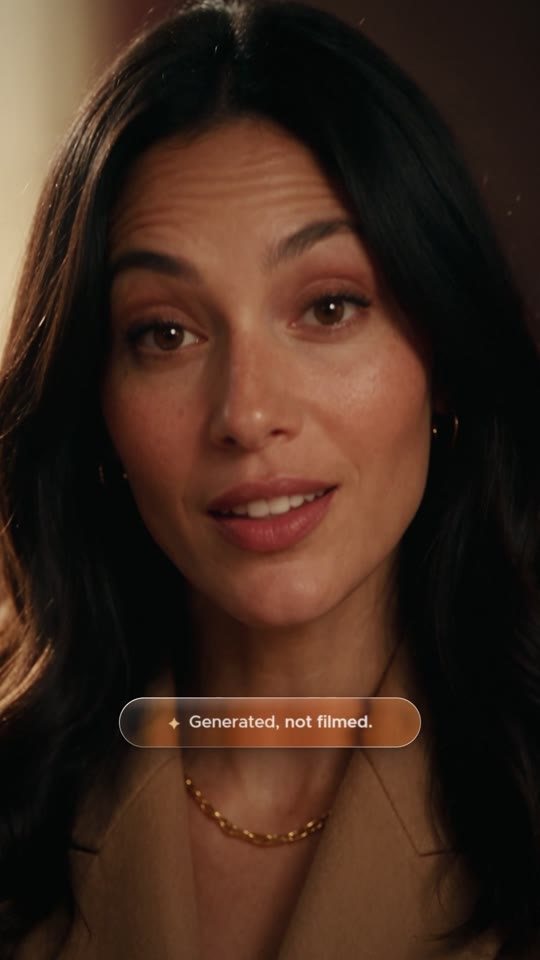
NO VIDEO YET? MAKE IT WITH AI
Make talking-head videos that sell, without filming yourself. From one image to a finished, lip-synced clip.
FREE TIPS
Quick answers on AI video, voices and editing with Claude Code. All free tips
Ideas become films.
Now, give yours a voice.