Filmmaking
 Website guide
 Edit by Voice
 Faceless guide
 Animate
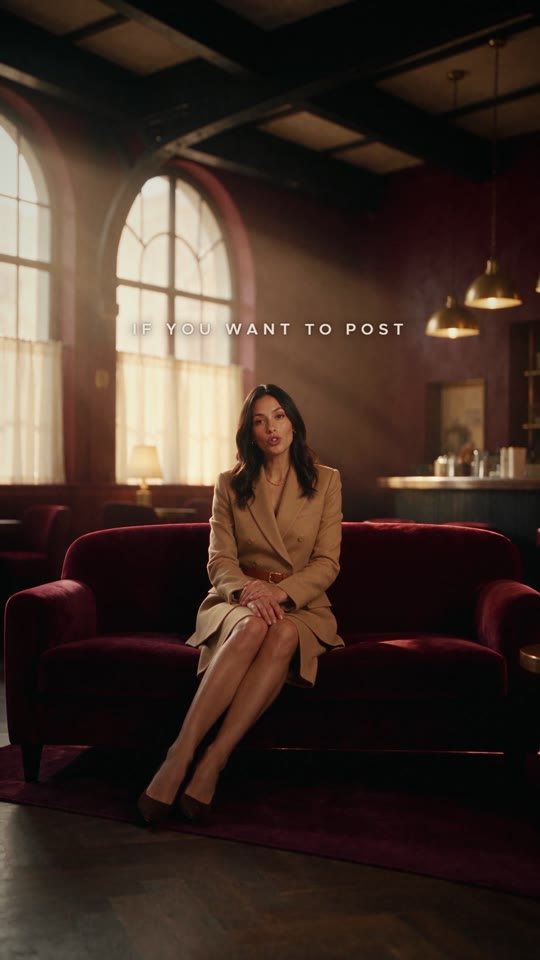
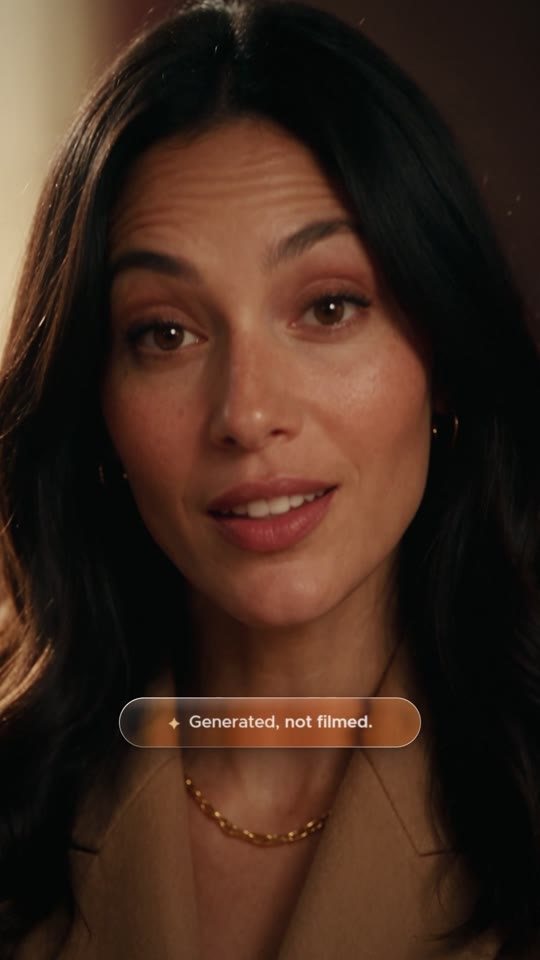
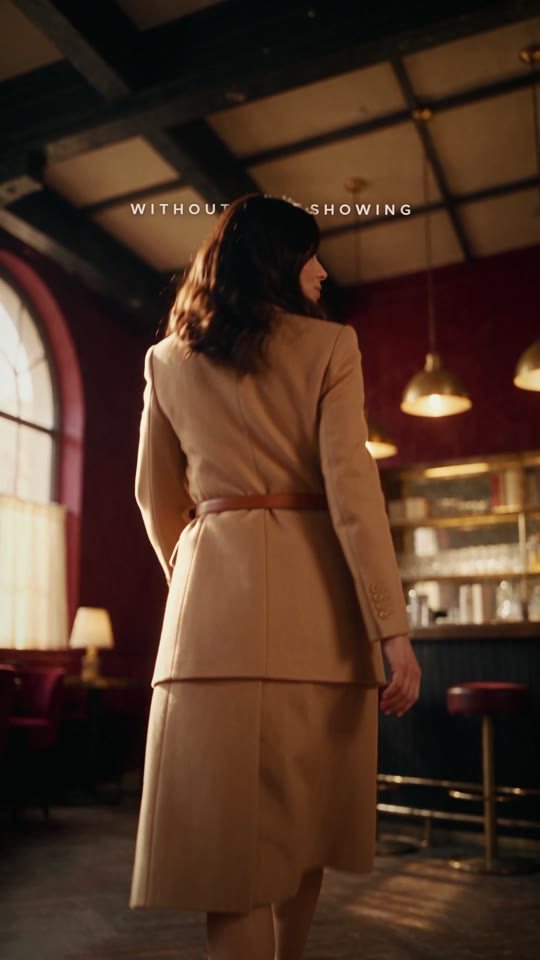
A wide hook that moves
a dolly zoom on the first word

THE AI TALKING-HEAD GUIDE V1.0
After Prompt / The Faceless Creator GuideOne image in, a finished lip-synced video out.
Nobody filmed. Nobody on camera.
A 20-page guide with every prompt: build a character, build the room, write a script that sells, give her a voice and direct the video like a film.
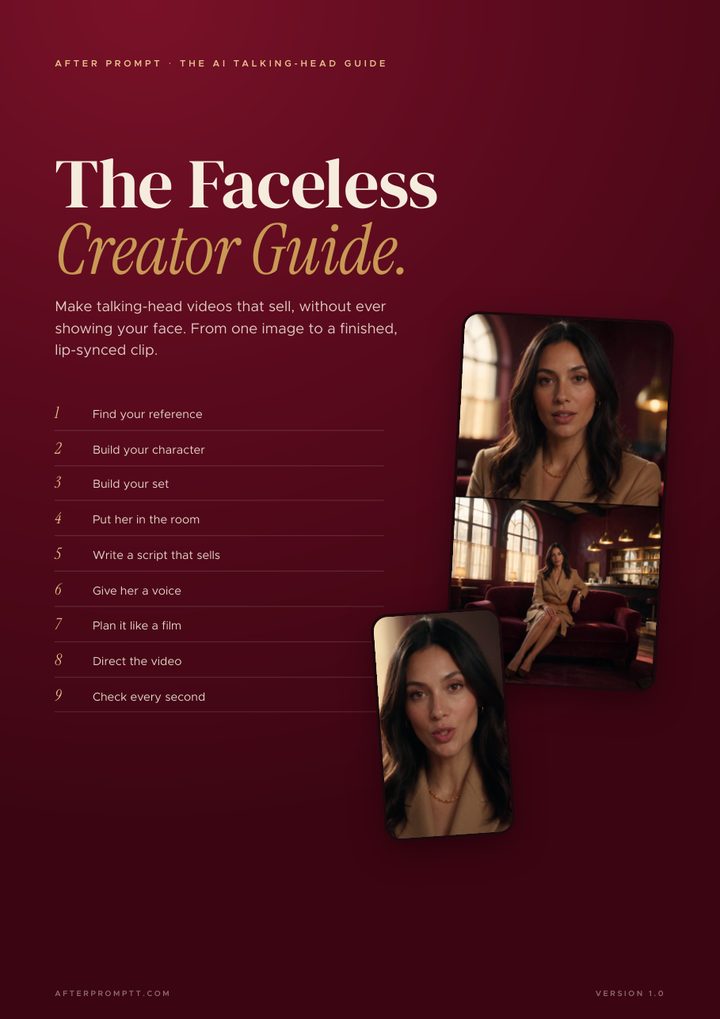
THE FACELESS CREATOR GUIDE
Launch priceLaunch prices until December 31, then $49 / $79 / $99.
Secure checkout by Whop. Download from your Whop account straight after payment. Higgsfield subscription needed for the video step.
MADE WITH THIS GUIDE
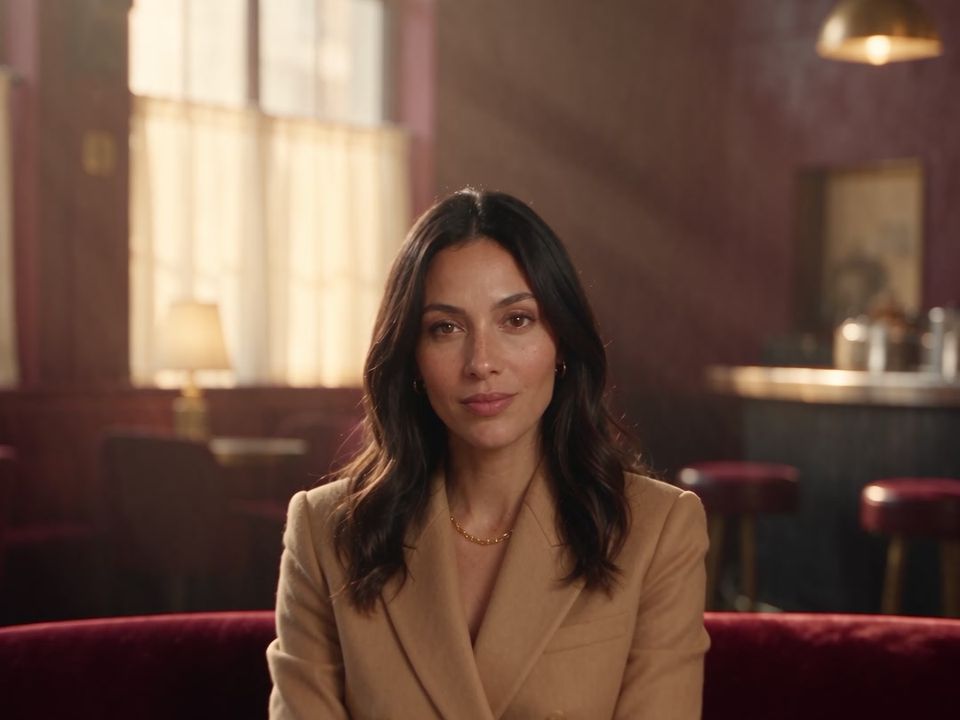
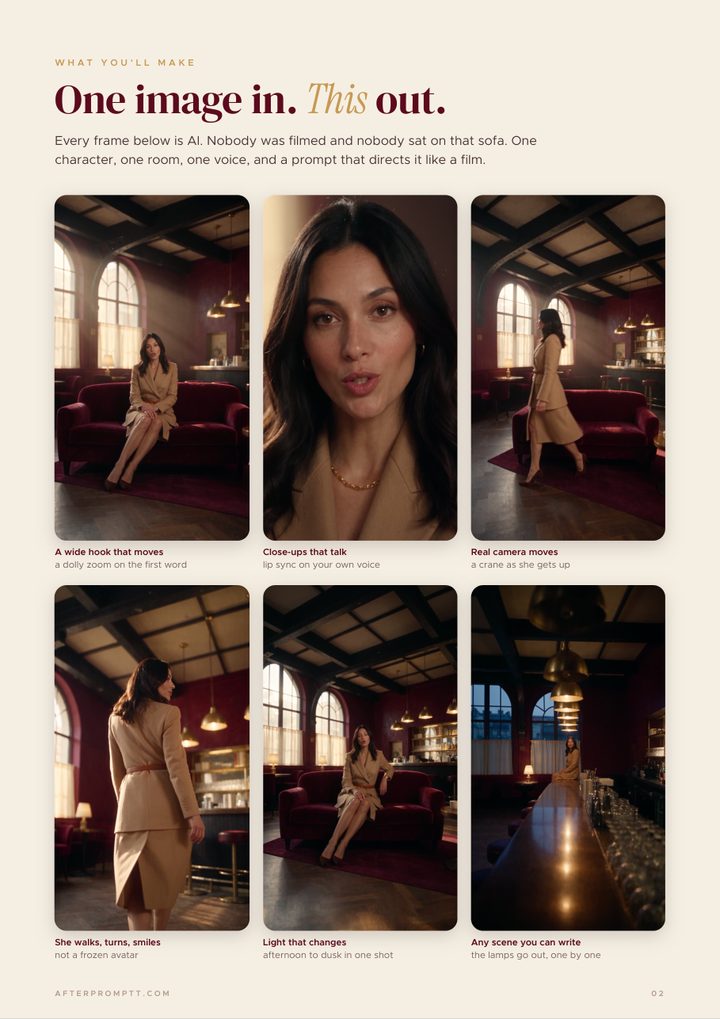
One character, one room, one voice, and a prompt that directs it like a film. This is our own ad, made step by step with the guide.
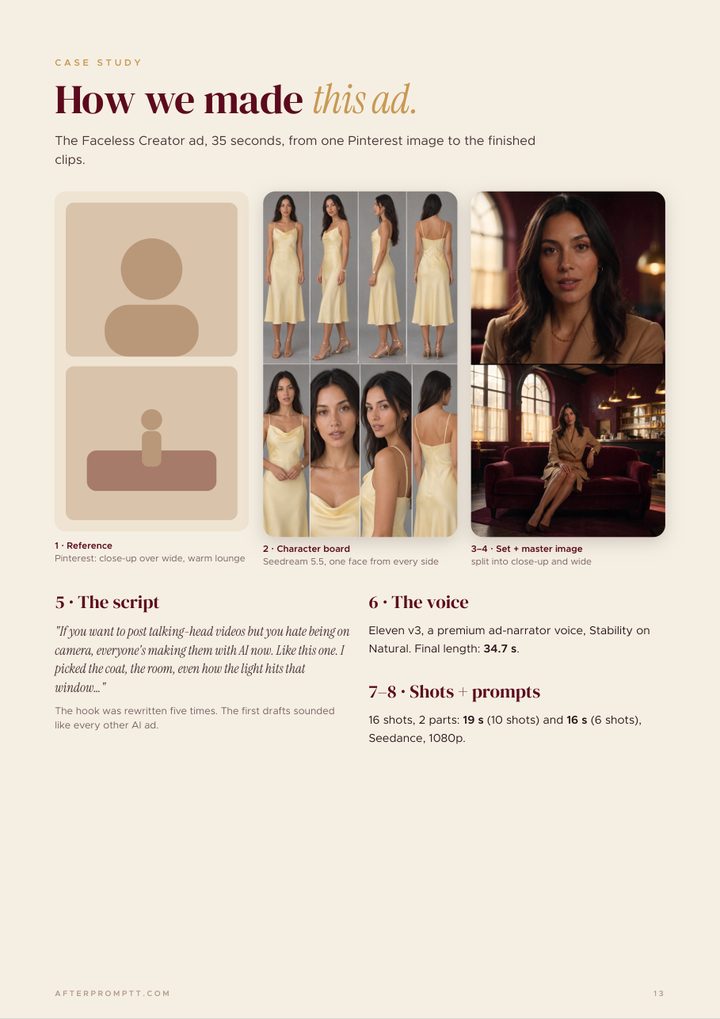
The guide’s case study shows exactly how it was made, from one Pinterest image to the finished clips.
WHAT YOU’LL MAKE
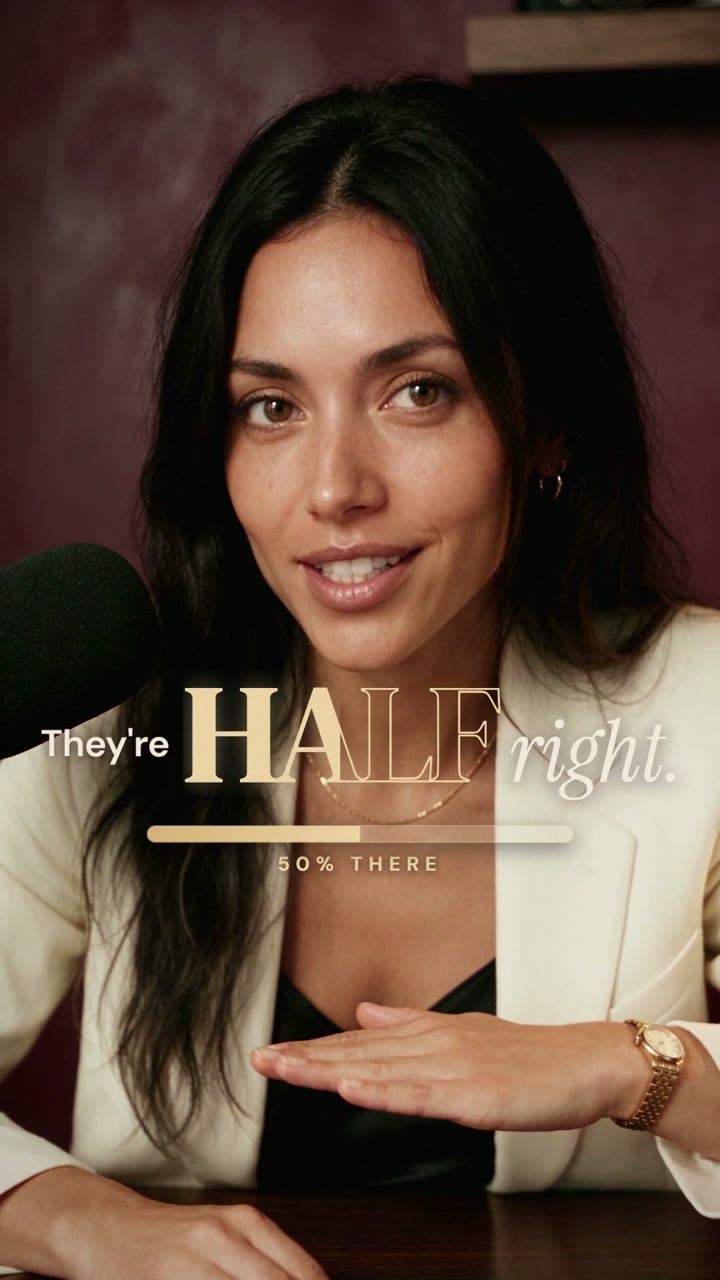
Not a frozen avatar. A presenter who talks, moves and walks through a real-looking room, filmed by a camera that moves like a film crew’s.
a dolly zoom on the first word
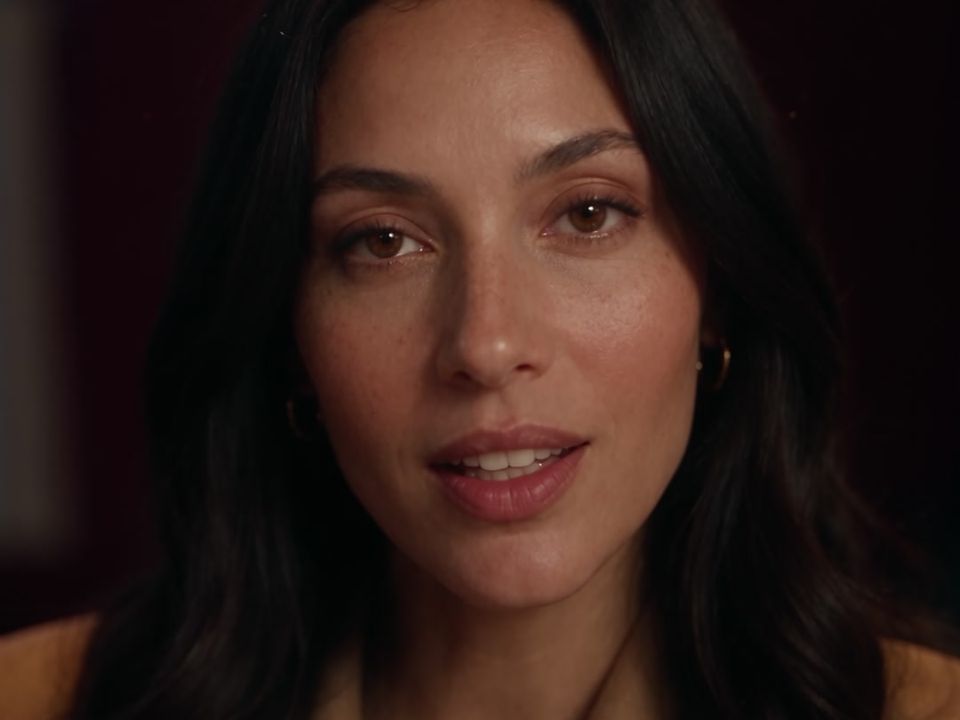
lip sync on your own voice
a crane as she gets up
not a frozen avatar
afternoon to dusk in one shot
the lamps go out, one by one
THE METHOD
Steps 2 and 3 you do once per character and set. Every new video after that starts at step 4.
One image with the feeling you want: the framing, the light, the room, the clothes.
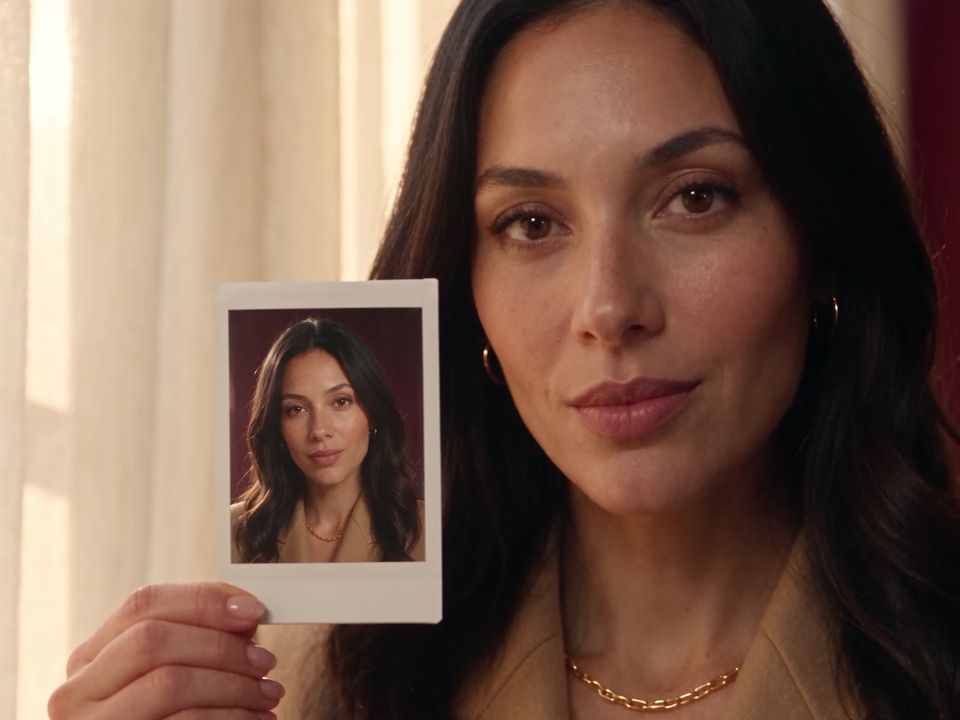
One board of the same person from every side keeps her face identical in every shot.
Your room from every angle, so the camera knows what is on the other side.
One image with a close-up and a wide: every shot of your video is built from it.
20 to 30 seconds. One person, one problem, one action at the end.
ElevenLabs v3 audio tags, so she sounds warm and human, not read out.
Every line gets its own shot, lens and camera move.
Seedance 2.5 or Kling 4.0, directed second by second with your images and voice.
Five checks: lip sync, face, hands, voice and cuts.
INSIDE THE GUIDE
Clear pages with a “Say to AI” box on every step: paste it into Claude or ChatGPT and it writes the prompt for you.
OPEN IT. MAKE IT YOURS.
The method, the prompts and a real case study. One PDF.
From one reference image to a finished, lip-synced clip.
A three-page prompt library for Claude or ChatGPT: character, set, master image, script, voice tags, shot list and video prompt.
How our ad was made, from one Pinterest image to 16 clips, and what we learned.
Five hook formulas, each with an example.
What to do when the face changes, the lip sync drifts or the hands look wrong.
BEFORE YOU BEGIN
The only subscription. Where you make the images and the video: Seedream 5.5, GPT Image and Gemini for images, Seedance 2.5 and Kling 4.0 for video.
The voice. The free plan is enough to start, with the Eleven v3 model and its audio tags.
Your writer: the image prompts, the script, the voice tags, the shot list and the video prompt.
THE FACELESS CREATOR BUNDLE
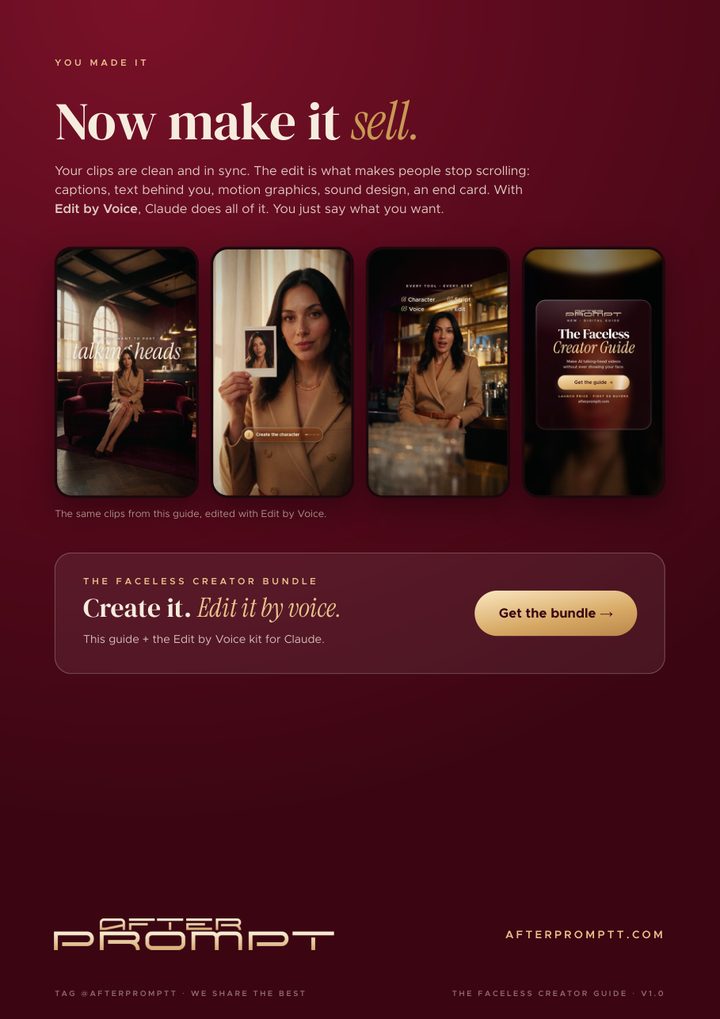
Your clips are clean and in sync. The edit is what makes people stop scrolling: captions, motion graphics, sound design and an end card. With Edit by Voice, Claude does all of it. You just say what you want.
FREE TIPS
Quick answers on AI video, voices and editing with Claude Code. All free tips
A FEW THINGS TO KNOW
A 20-page illustrated PDF guide: the 9-step method, every prompt ready to copy, hook formulas, mistakes and fixes, and a case study of how our ad was made. You download it from your Whop account straight after payment.
No. You make an AI character, her room and her voice, then direct the video. Nobody is filmed.
Higgsfield is the only subscription: one plan covers the image and video models in the guide (Seedream 5.5, GPT Image, Gemini, Seedance 2.5 and Kling 4.0). The free plans of ElevenLabs and Claude or ChatGPT are enough to start. The guide also shows a free way to make the images.
No. Those are separate services with their own plans. The guide shows you what to use and how.
The $29 launch price is available until December 31, 2026. After that, the regular price is $49.
The guide plus the Edit by Voice kit for Claude: make the talking-head video with the guide, then let Claude edit it into a finished reel with captions, motion graphics and sound. It is $45 at launch instead of $58 bought separately.
Yes. Make your own original characters: never use a real person’s photo or face. Follow the terms of the AI tools you use. Please don’t resell or share the guide.
Choose your option and pay through Whop’s secure checkout. The PDF is in your Whop account straight after payment, and Whop emails you a link back to it.
No camera. No studio.
Just your direction.